Screenshots
See BytePad v2 in action across different editing modes, themes, and workflows.
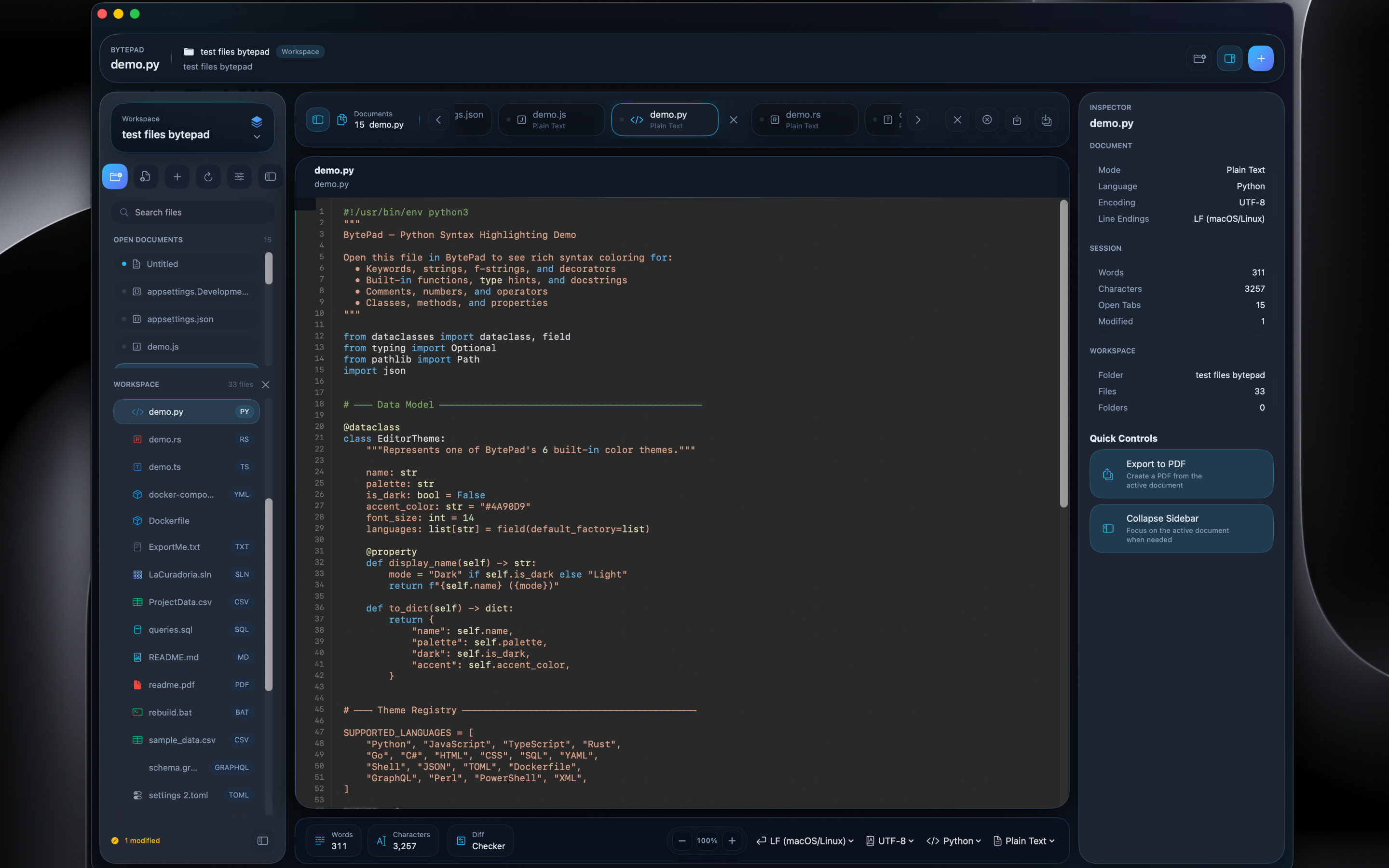
Full Editor Experience
The complete BytePad v2 workspace — file browser sidebar, Python code with syntax highlighting, inspector panel with file metadata and quick controls, and the integrated terminal at the bottom.
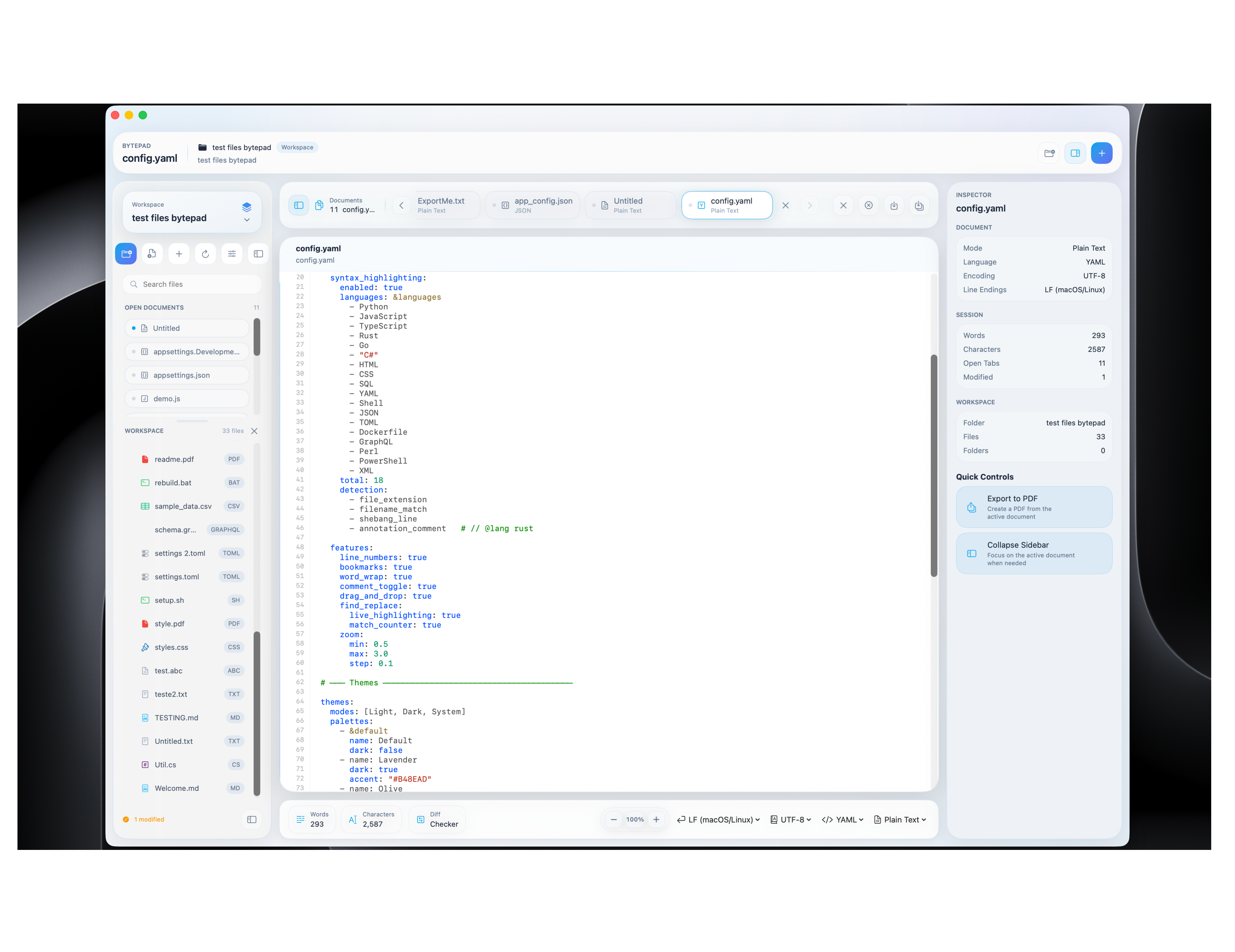
Light Mode
YAML configuration editing in BytePad's clean light theme. The sidebar shows the project file tree, while the inspector panel displays file details and quick actions.
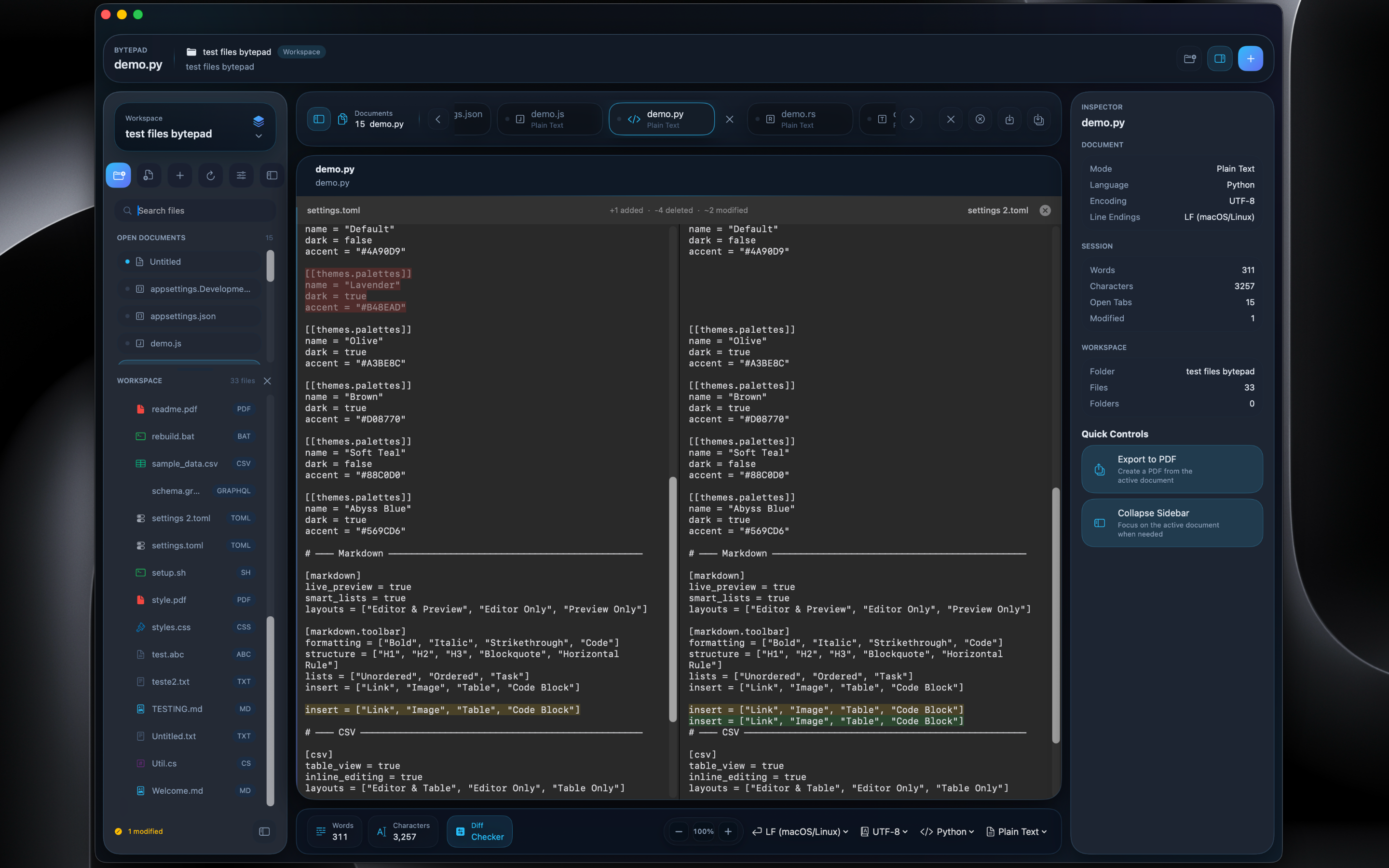
Side-by-Side Comparison
The new diff checker lets you compare files side-by-side with clear highlighting of changes. Spot additions, deletions, and modifications at a glance.
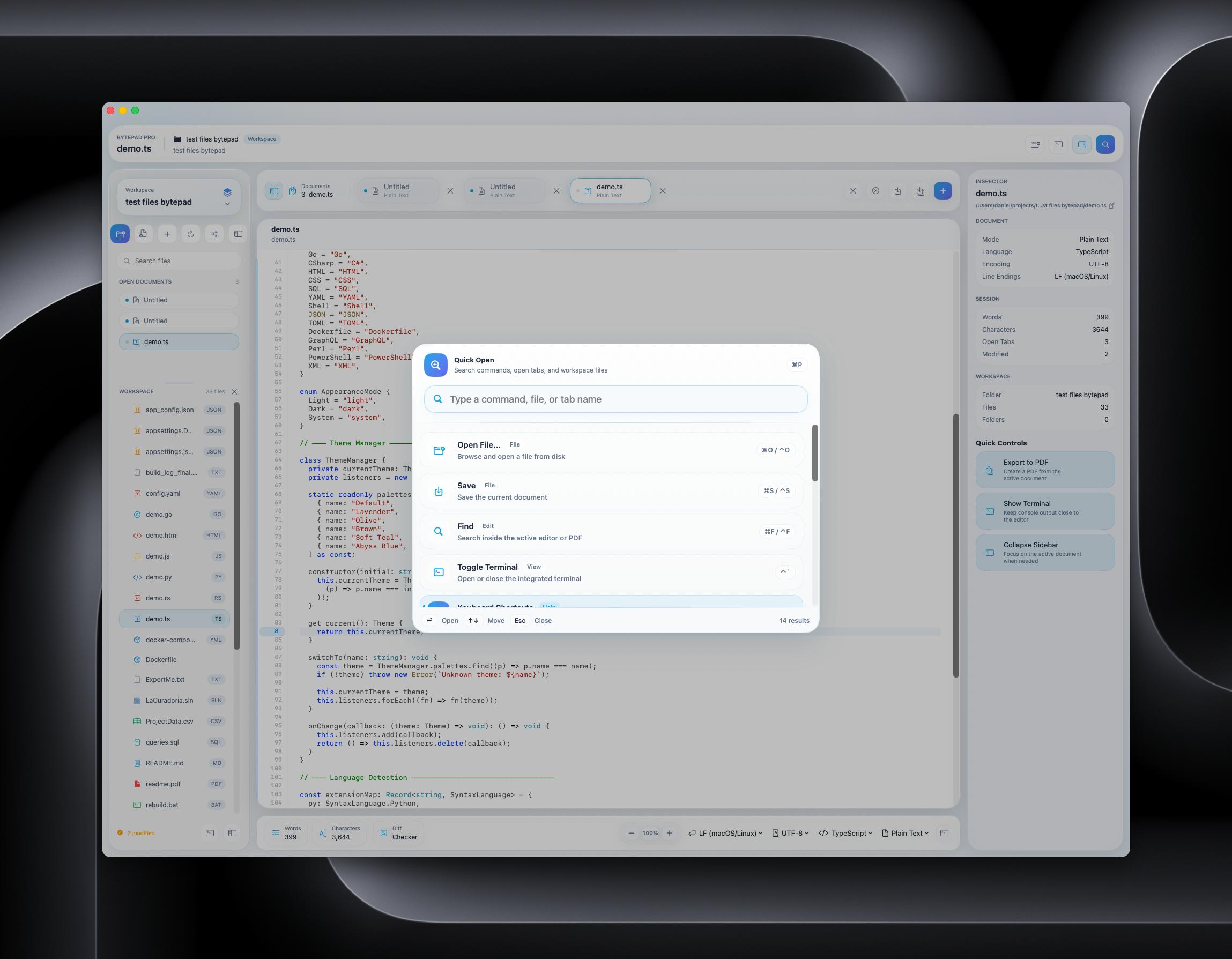
Command Palette
Quickly open files, run commands, and navigate your project with the Quick Open palette. Search by file name, switch tabs, or trigger actions — all from the keyboard.
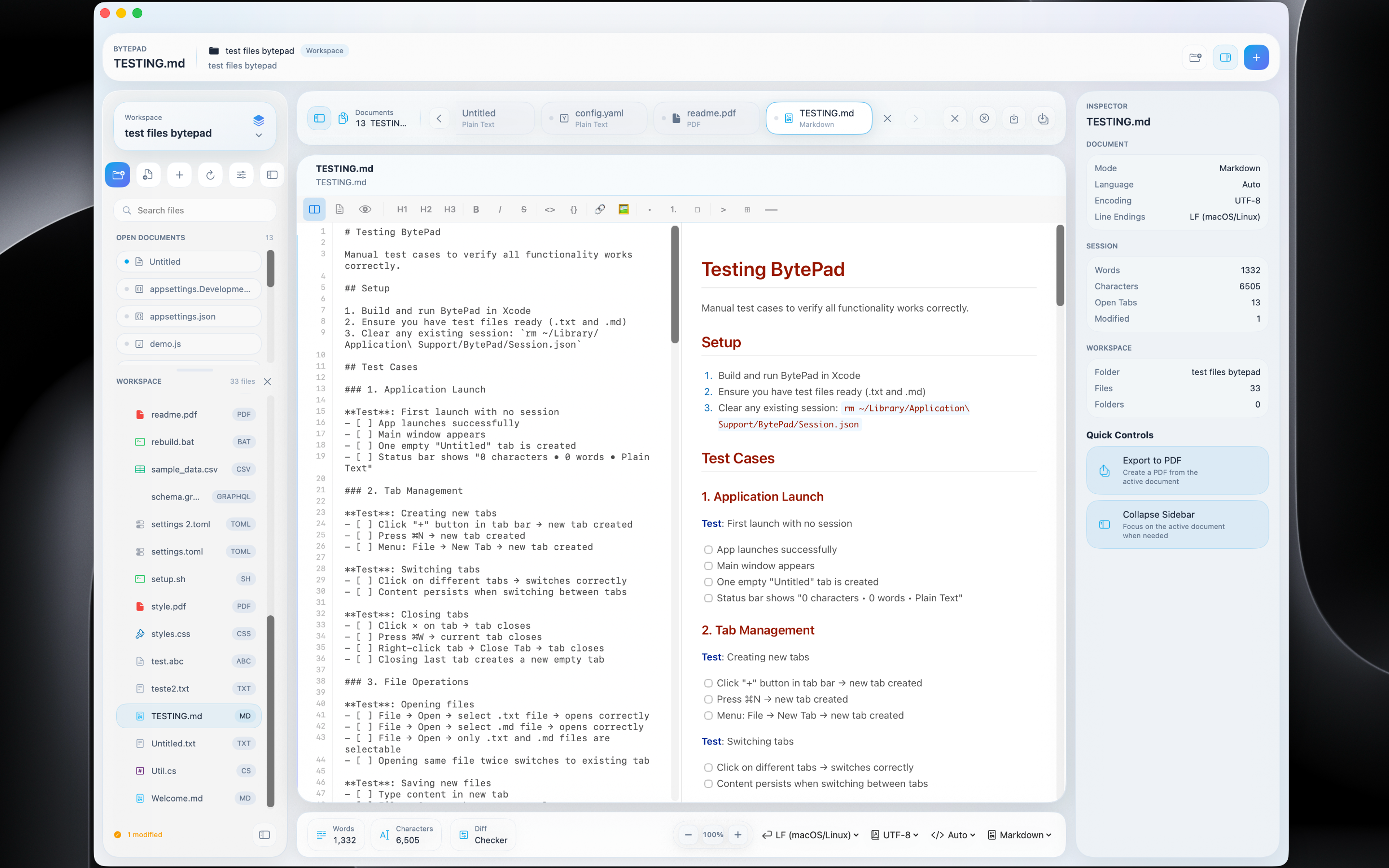
Markdown Live Preview
Write Markdown on the left and see it rendered in real-time on the right. The formatting toolbar gives quick access to headings, bold, italic, code blocks, tables, and more.
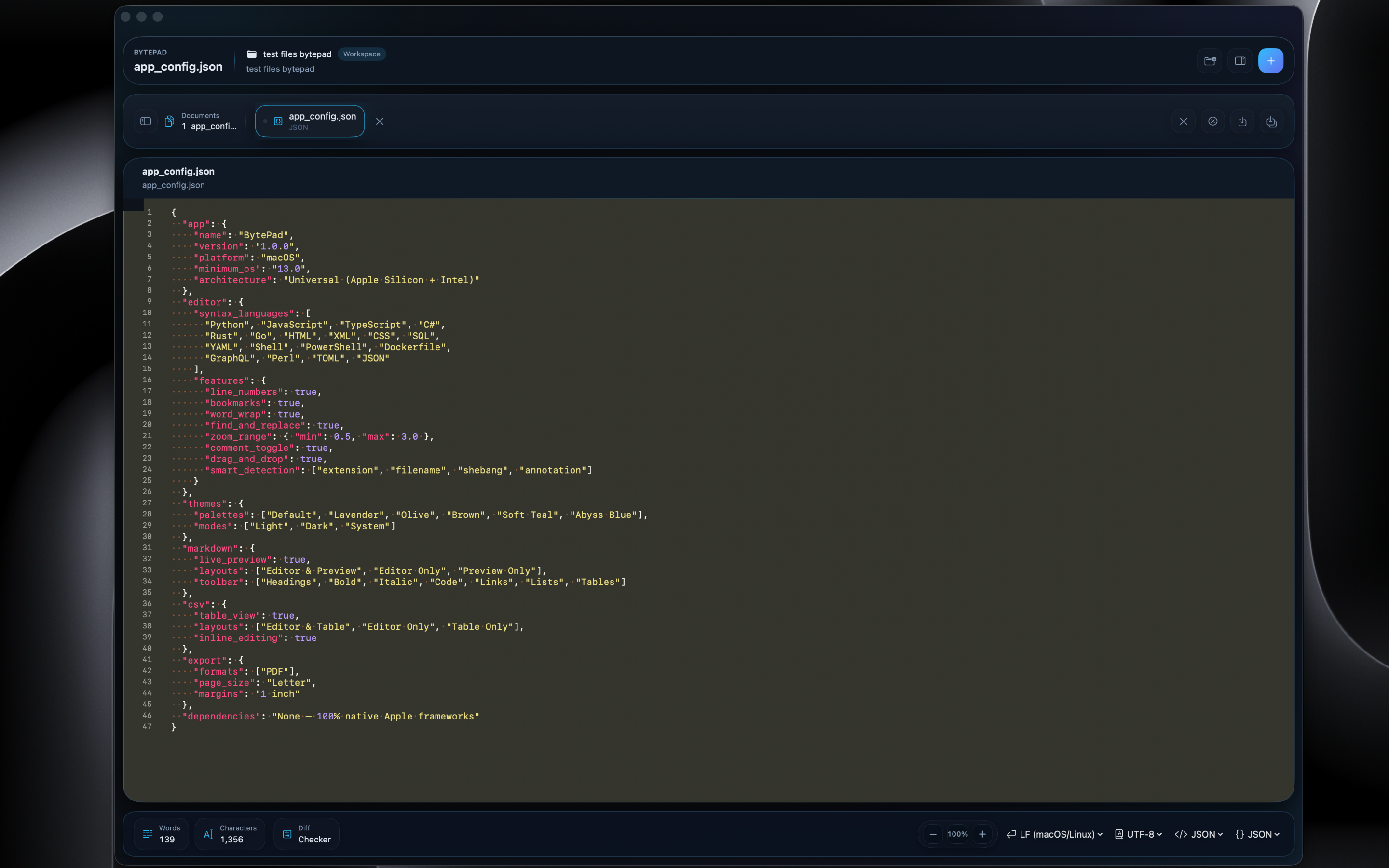
JSON Editor
Edit JSON configuration files with color-coded keys, strings, numbers, and booleans. The Olive (Monokai-inspired) theme gives a warm, classic look.
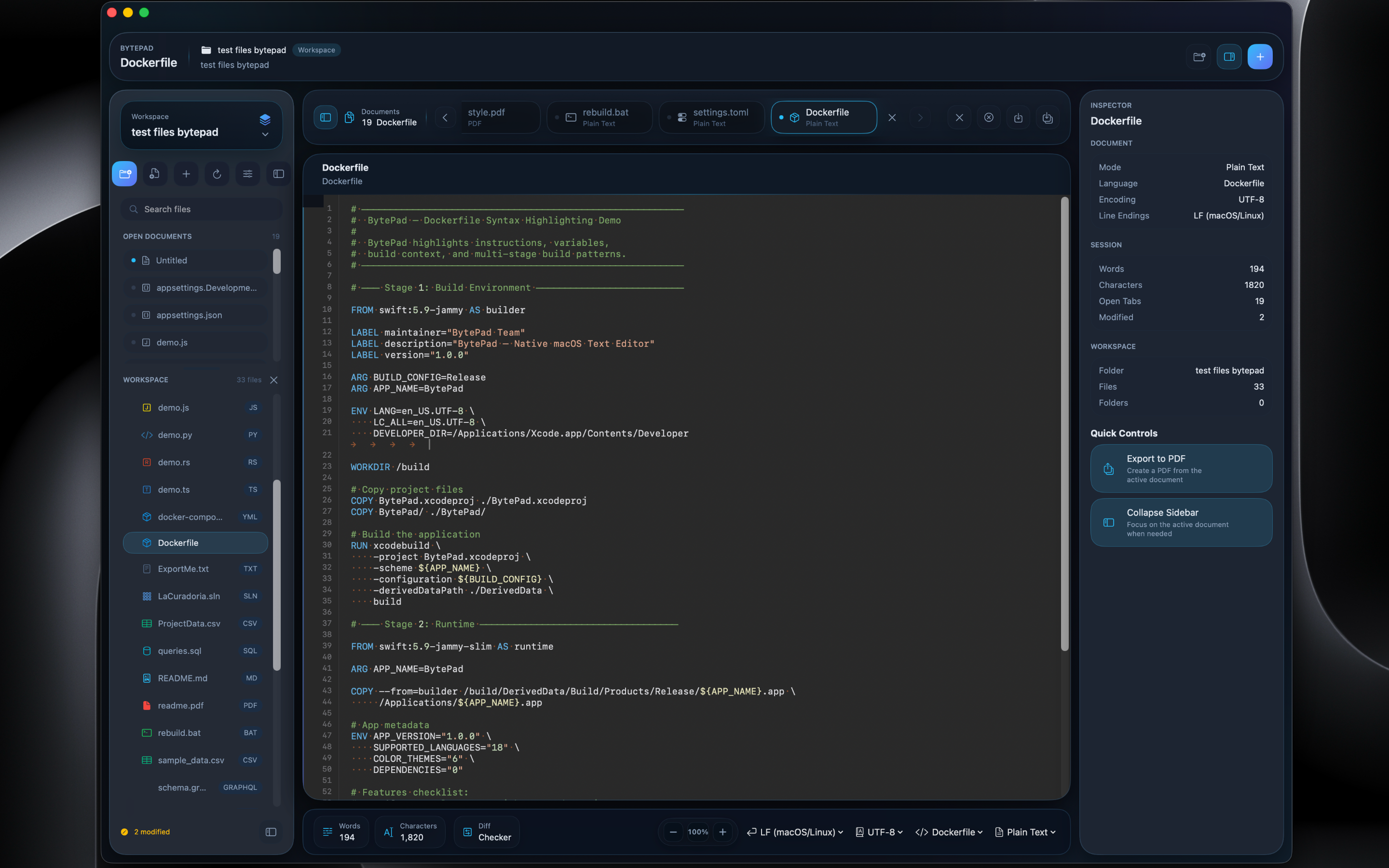
Dockerfile Highlighting
Full syntax highlighting for Dockerfiles — commands, arguments, comments, and multi-stage build directives are all clearly distinguished with the file browser open for project navigation.
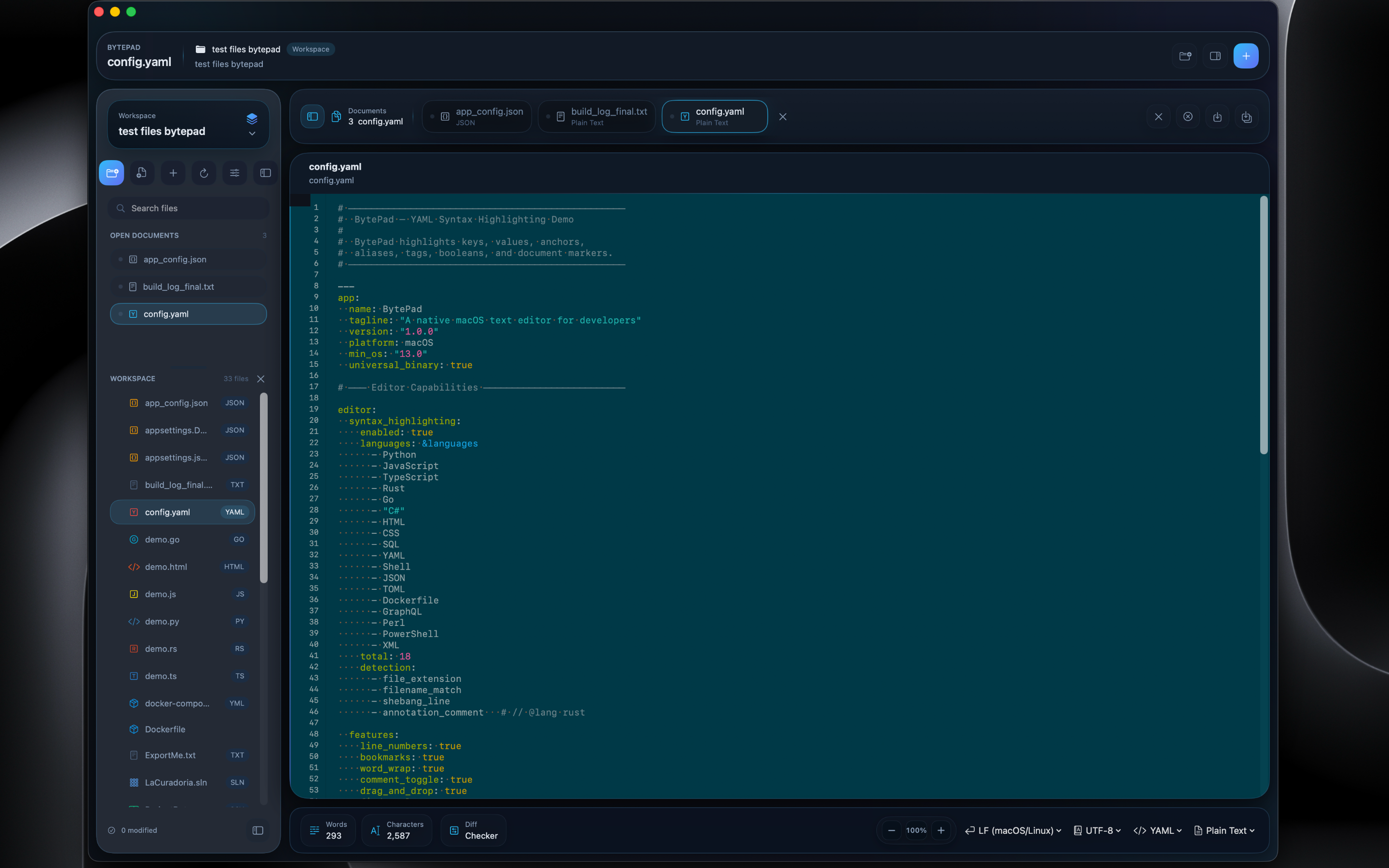
Soft Teal Theme
The Solarized-inspired Soft Teal palette brings a distinctive look to your workspace. Six hand-crafted themes, each with light and dark variants, let you personalize your editing environment.
